Table of Contents
- Official Ways to Contact Mirana Club Support
- How to Reach Customer Service Step by Step
- What Information to Give (and What Never to Give)
- Example Message That Gets Fast Help
- Common Issues Support Can Help With
- Fraud Warning: Fake Mirana Club Agents
- What Support Can and Cannot Do
- Escalation Tips if Your Issue Is Not Solved
When something goes wrong with a deposit, withdrawal, bonus or login, you need Mirana Club customer care — the real support team, not a stranger on social media. This guide shows where official support is inside the platform, how to write a message that gets solved quickly, and how to protect yourself from fake agents.
miranaclubgame.com is an independent guide. We cannot access player accounts or process payments, so for account issues always use the official channels described below.
Official Ways to Contact Mirana Club Support
Customer Service
Open the side menu and tap Customer Service, or use the round support button at the bottom of the screen. This is the main channel for account and payment issues.
Public Chat
A community chat inside the platform. Useful for general questions, but not for sharing account or payment details.
FAQ / Help Center
The built-in FAQ covers accounts, deposits, withdrawals, turnover, games and security.
Support is advertised as available 24/7. Response times can still vary at busy hours, so send one clear message and wait for a reply in the same chat.
How to Reach Customer Service Step by Step
- Log in Sign in with your phone number and password. Our Mirana Club login guide helps if you are locked out.
- Open support Tap the support button at the bottom right, or go to the side menu and choose Customer Service.
- Choose your topic Say clearly whether it is about a deposit, withdrawal, bonus, game or login.
- Attach evidence Add screenshots of the record, payment receipt or error message.
- Keep the chat open Reply in the same conversation instead of starting new ones.
What Information to Give (and What Never to Give)
Do share
- Your registered phone number
- Amount, date and time of the transaction
- Payment method (for example JazzCash, UPI or KBZPay)
- Transaction or reference ID
- Screenshots of the record and any error
Never share
- Your Mirana Club password
- The 6-digit password reset code
- Your wallet PIN or bank OTP
- Full card numbers or banking passwords
- Money to a "verification" account
Example Message That Gets Fast Help
Hello, my deposit of Rs1,000 by JazzCash on 14 October at 9:20 pm is not showing in my balance. My registered number is 03xx-xxxxxxx and the transaction ID is 123456789. Screenshot attached. Please check.
A message like this includes everything support needs, so they can check without asking follow-up questions. Change the details for your own case and country.
Common Issues Support Can Help With
- Deposit not credited — send the payment receipt and transaction ID. See the deposit and withdrawal guide for method tips.
- Withdrawal pending — check your turnover first, then send the request details. Our withdrawal problem guide covers the usual causes.
- Bonus or gift code questions — mention the exact promotion name. The bonus guide explains how rewards and turnover work.
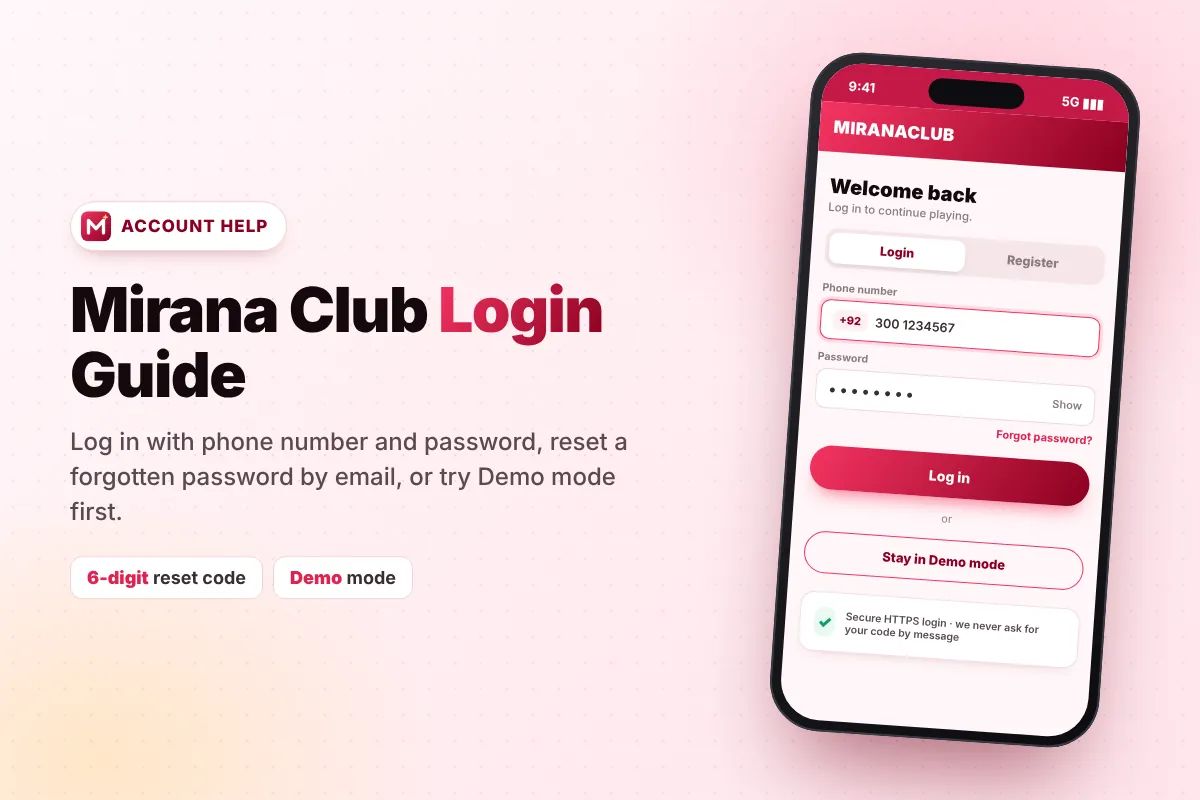
- Login trouble — use Forgot password first; the 6-digit code goes to your registered email and expires in 10 minutes.
Fraud Warning: Fake Mirana Club Agents
Popular gaming apps attract scammers who pretend to be support. Watch for these signs:
- Someone messages you first on WhatsApp, Telegram or Facebook claiming to be from Mirana Club.
- They ask for your password, reset code, wallet PIN or OTP.
- They ask you to pay a "fee", "tax" or "unlock charge" before a withdrawal can be released.
- They ask you to deposit to a personal wallet number instead of using the Deposit screen.
- They send you a link that looks slightly different from the official domain.
What Support Can and Cannot Do
Knowing the limits of support saves time and frustration. Customer Service can check the status of deposits and withdrawals, explain bonus and turnover rules, help with login and password recovery, and look into game or balance errors on your account.
Support cannot change game results, cancel losing bets, remove turnover that a bonus added, or add an invite code to an account that was registered without one. Results in lottery games such as Win Go are fixed by a committed seed before the round, so they cannot be edited afterwards. If you want help understanding how a game works before you play, our Mirana Club games page is a good place to start.
Escalation Tips if Your Issue Is Not Solved
- Keep records — save screenshots of every message and transaction.
- Stay in one chat — repeating the same issue in many chats can slow things down.
- Follow up politely — if there is no update after a reasonable time, reply in the same chat with your reference.
- Contact your payment provider — if money left your wallet or bank but never arrived, your provider can trace the transaction.
- Stop playing while the issue is open, so your records stay clear.
If you have a question about this guide website itself, you can reach us on our contact page. Remember, we cannot access your Mirana Club account.
Frequently Asked Questions
How do I contact Mirana Club customer care?
Log in and tap the support button at the bottom of the screen, or open the side menu and choose Customer Service. Support is advertised as available 24/7.
Does Mirana Club have a WhatsApp support number?
Use the Customer Service option inside the platform for account issues. Be very careful with anyone who contacts you first on WhatsApp or Telegram claiming to be support.
What should I send to support for a deposit issue?
Send your registered phone number, the amount, date and time, payment method, transaction ID and a screenshot of the payment receipt.
Will Mirana Club support ask for my password?
No. Real support never asks for your password, reset code, wallet PIN or OTP. Never share them with anyone.
Can miranaclubgame.com fix my account?
No. We are an independent guide and cannot access accounts or payments. Please contact official Customer Service inside the Mirana Club platform.